> For the complete documentation index, see [llms.txt](https://docs.kyberswap.com/llms.txt). Markdown versions of documentation pages are available by appending `.md` to page URLs; this page is available as [Markdown](https://docs.kyberswap.com/kyberswap-solutions/kyberswap-interface/profiles/profile-customization.md).
# Profile Customization
Experience Trading Your Way
## Introduction
KyberSwap users can now customize their trading experience with [KyberSwap Profiles](/kyberswap-solutions/kyberswap-interface/profiles.md). Users can change their profile picture, set their [notification preferences](/kyberswap-solutions/kyberswap-interface/notifications.md), and even give their profile a nickname. The list of profile customization options will only continue to grow as KyberSwap continues to build more value-added off-chain services for our users.
Note that basic customization options are also available for the guest accounts where users have yet to sign in with their Ethereum wallets. To learn more about creating and managing multiple profiles, please refer to [Profile Creation](/kyberswap-solutions/kyberswap-interface/profiles/profile-creation.md).
## Profile Picture
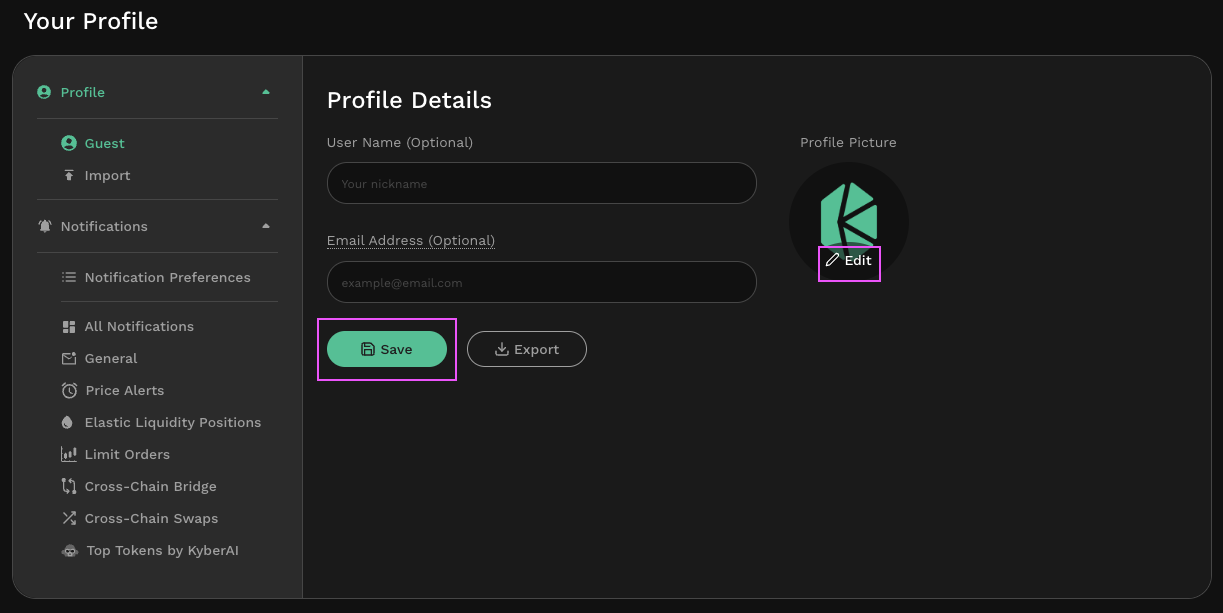
Change your profile picture
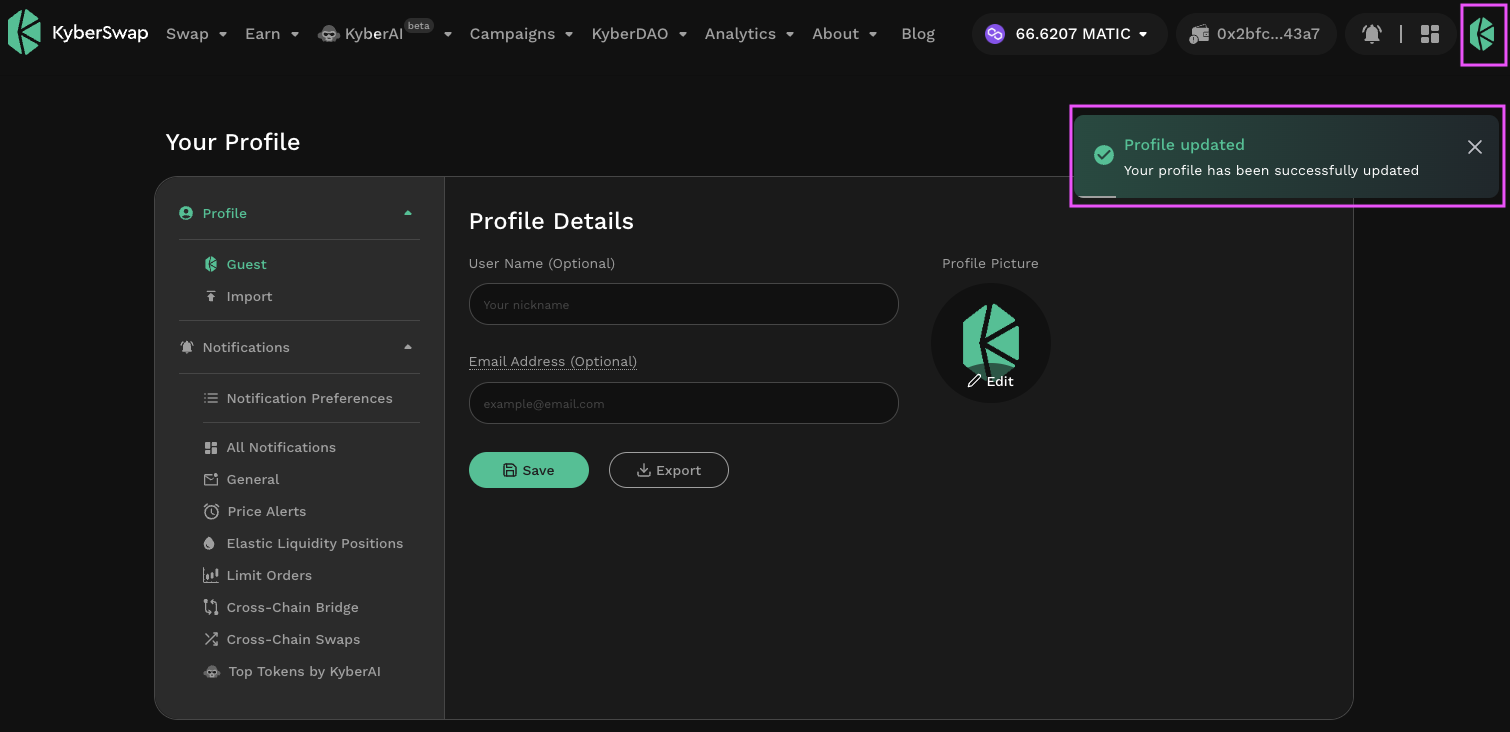
Users can change their profile picture via the [profile management page](https://kyberswap.com/manage/profile). Once changed, the profile picture will be visible thorughout the KyberSwap UI as long as the profile is selected.
Profile picture updated
## User Name
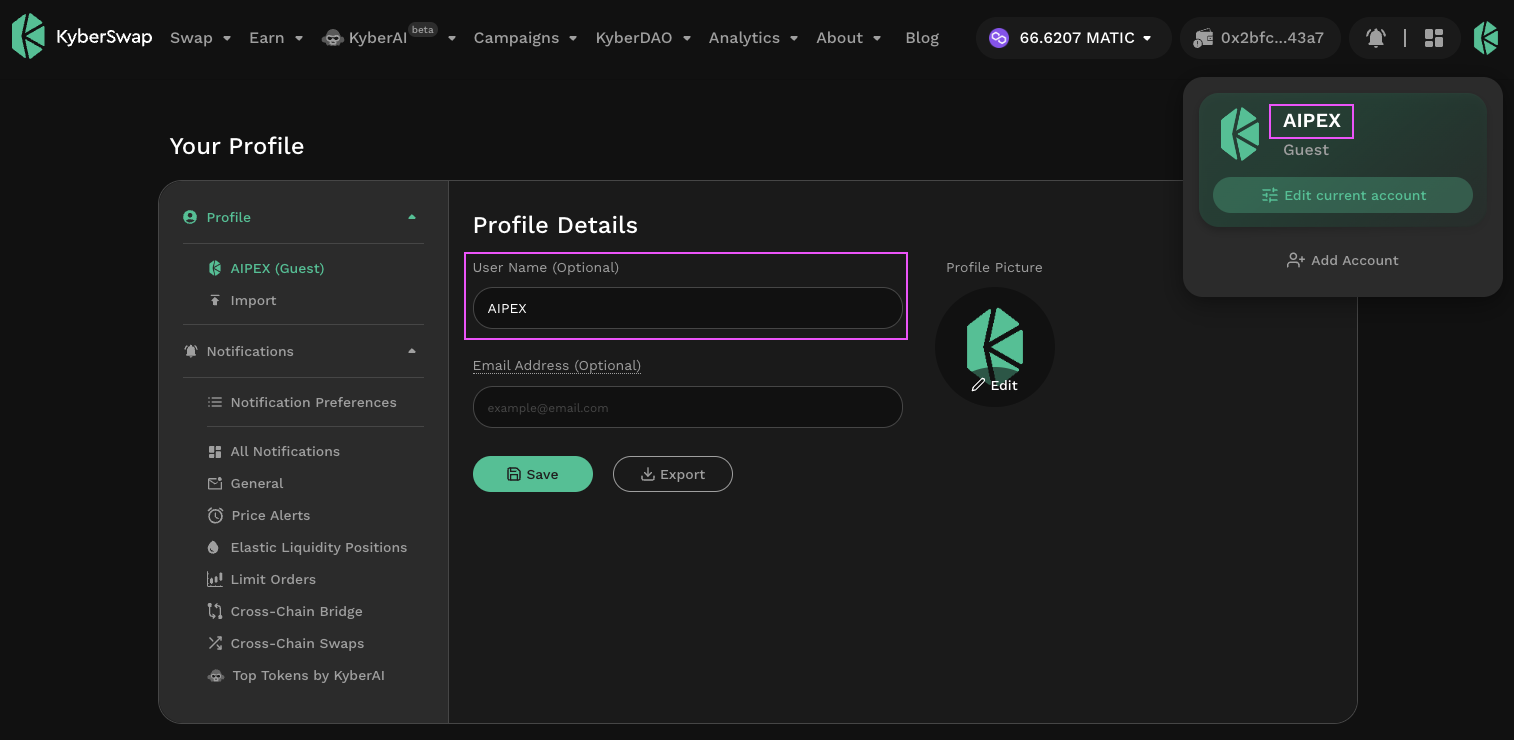
Personalize your username
Users can also give their profile a nickname by changing the user name under the [profile management page](https://kyberswap.com/manage/profile).
## Email
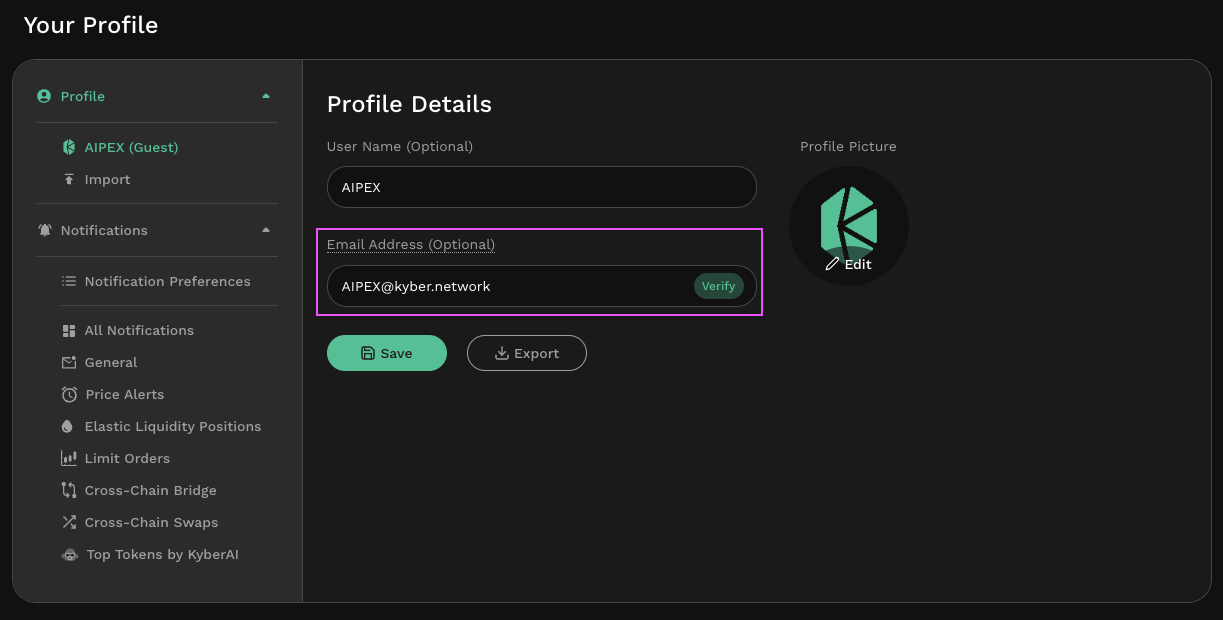
By adding an email to the profile, users will be able to receive notifications and other communication content directly in their inbox. Note that this step is optional and is provided as a supplementary service for users who want the added convenience. The linked email will only be used for the purposes communications.
Add an email address
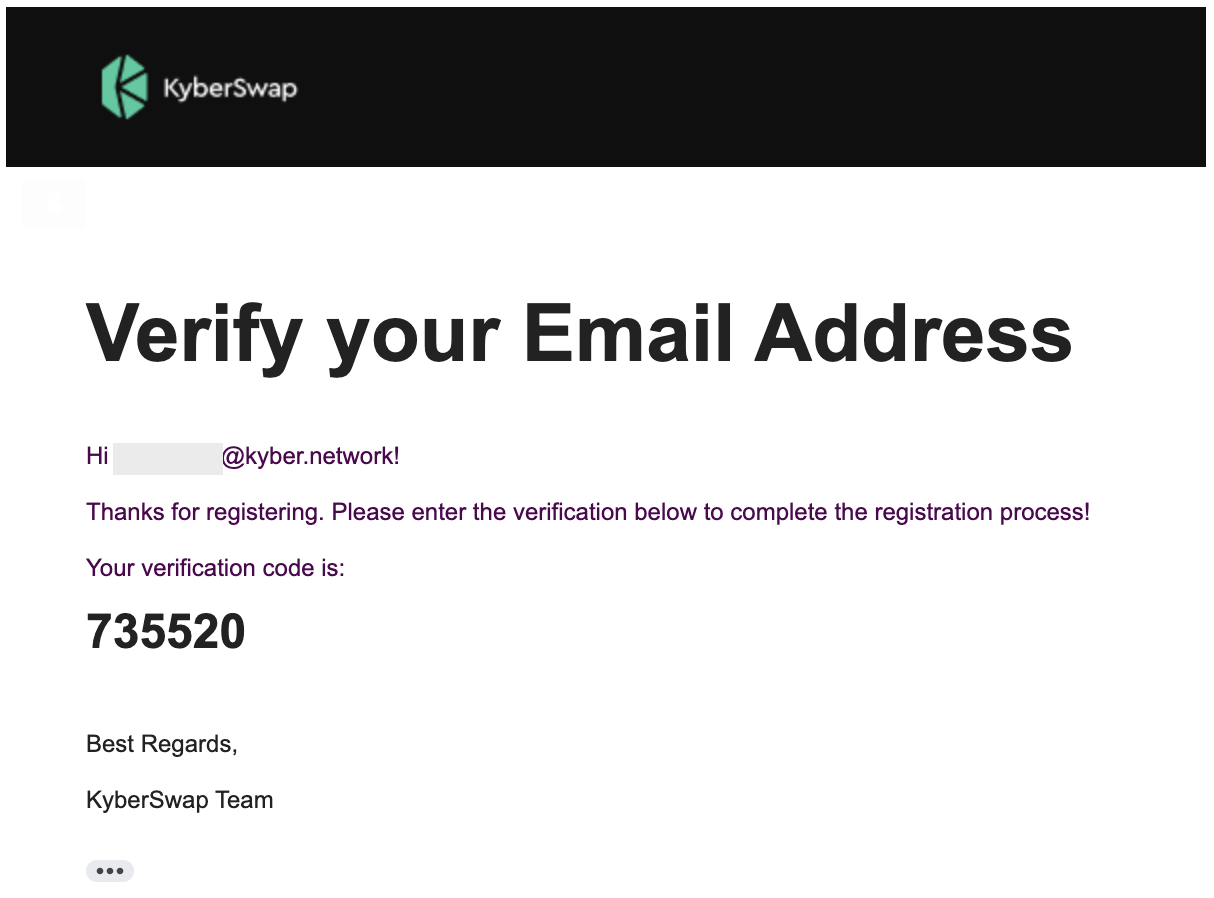
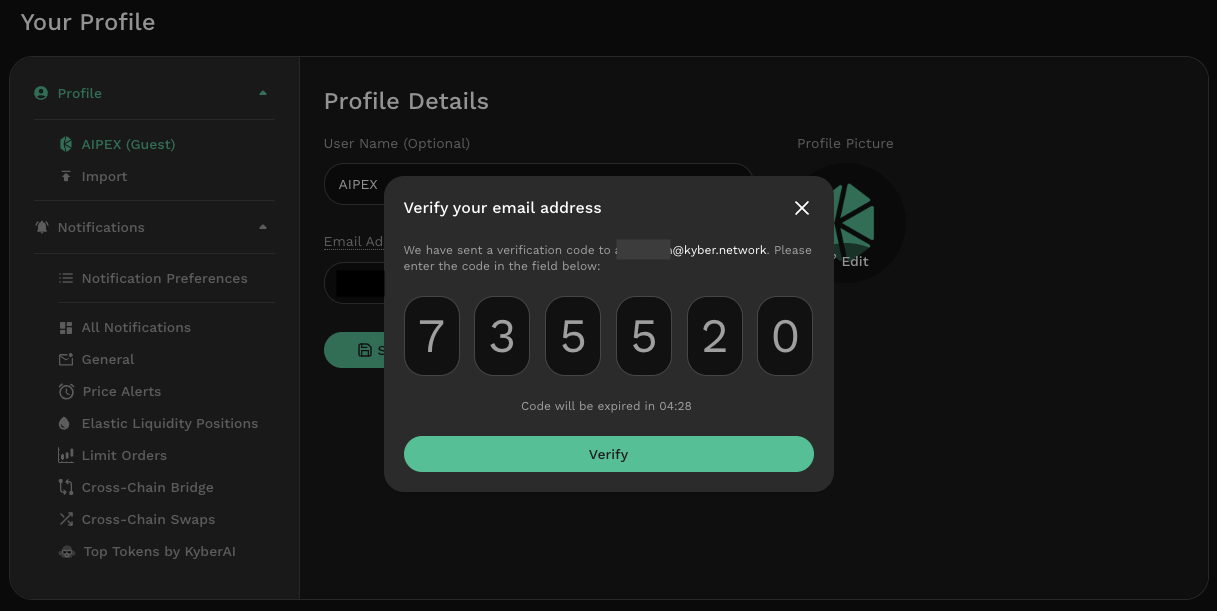
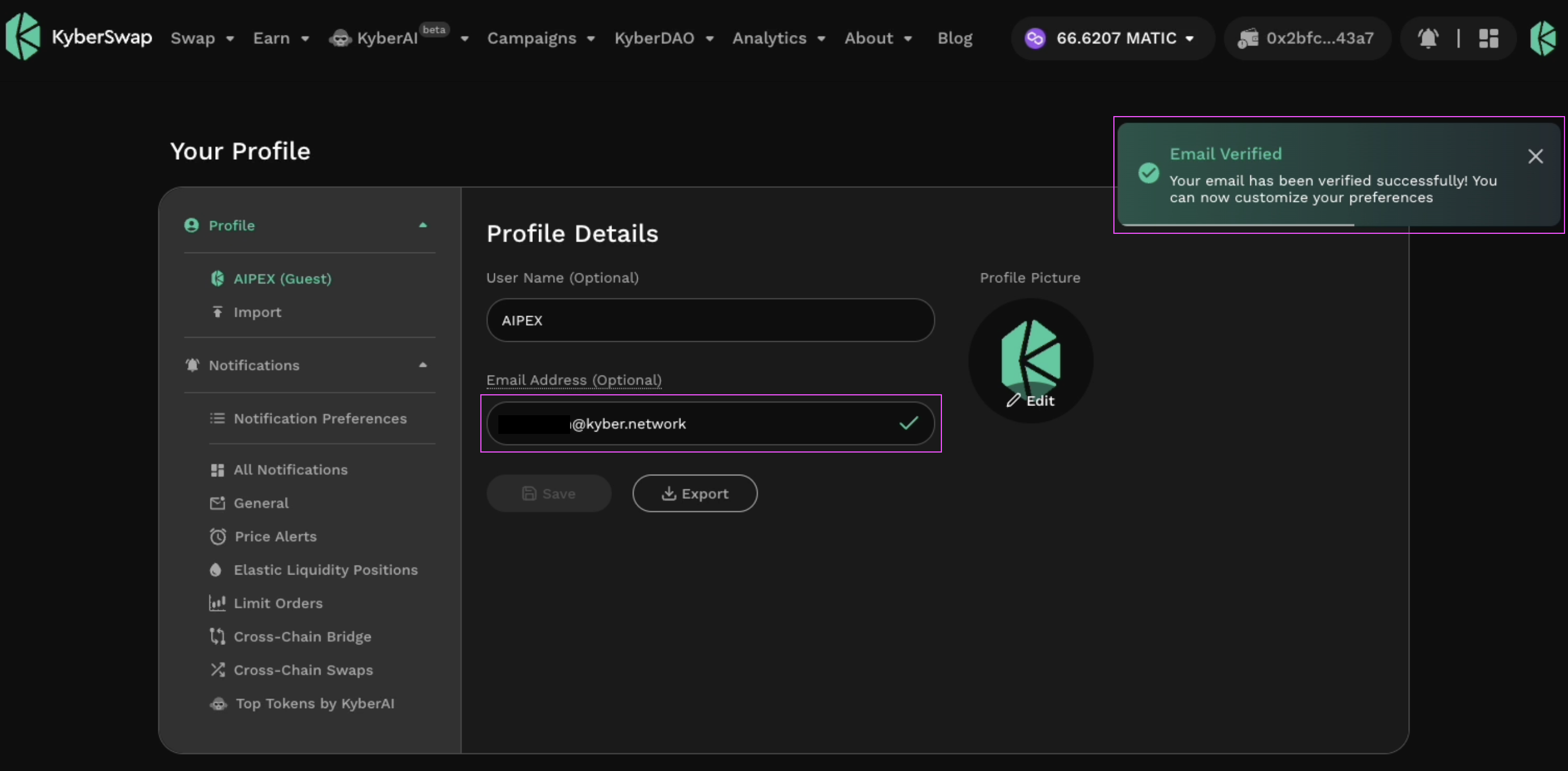
Do note that the linking of an email address requires the email to be verified via a 2-step verification process. An email containing the 2FA verification code will be sent to the indicated email whereupon users will have to copy the code over to the KyberSwap Interface. Upon successful verification, the connected email will be indicated with a green tick mark.
Verfication email with the 2FA code
Input the 2FA code to confirm email
Email verified and connected
---
# Agent Instructions
This documentation is published with GitBook. GitBook is the documentation platform designed so that both humans and AI agents can read, navigate, and reason over technical content effectively. Learn more at gitbook.com.
## Querying This Documentation
If you need additional information that is not directly available in this page, you can query the documentation dynamically by asking a question.
Perform an HTTP GET request on the following URL with the `ask` and `goal` query parameters:
```
GET https://docs.kyberswap.com/kyberswap-solutions/kyberswap-interface/profiles/profile-customization.md?ask=&goal=
```
`ask` is the immediate question: it should be specific, self-contained, and written in natural language.
`goal` is what the user is ultimately trying to achieve, the reason they need the answer. Sharing it helps GitBook give you a better, more relevant answer. A goal is most helpful when it describes the outcome the user wants rather than restating the question. For example, with `ask=how do I create an API token`, a goal like `build a script that syncs our docs to a CMS` lets GitBook tailor the answer to that use case.
The response will contain a direct answer to the question and relevant excerpts and sources from the documentation.
Use this mechanism when the answer is not explicitly present in the current page, you need clarification or additional context, or you want to retrieve related documentation sections.